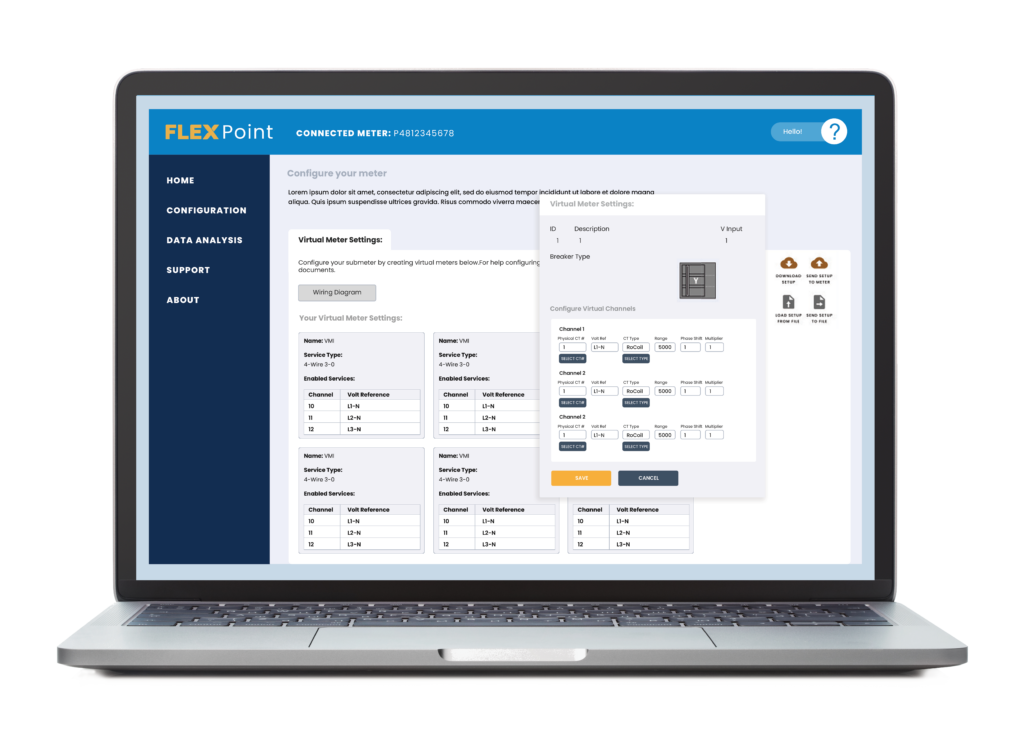
Simple Format Version
COMING SOON! – THANK YOU FOR REQUESTING
FLEXPoint™ Software Download
Click the following link to begin the download. If you are having trouble with the download, please contact our Tech Support Department via email here or call 800.388.0770.
POWERSCOUT INSTRUMENTS
Click on the FLEXPoint™ installer executable file to begin the download.
Software Download: FLEXPoint Software Installer
Detailed Format Version
COMING SOON! – THANK YOU FOR REQUESTING
FLEXPoint™ Software & PowerScout™ Firmware
Click the Distribution link to begin the download. The most recent distributions appear at the top of the list. If you are having trouble with the download or installation, please contact our Tech Support Department via email here or phone DENT at 800.388.0770.
FLEXPoint™ Software Compatibility:
For all PowerScout™ FLEX models (3, 12, 24, 48)
Compatible with Windows 7, 10, and 11.
IMPORTANT: Uninstall previous versions of FLEXPoint™ BEFORE installing a new version. See UPGRADE INSTALLATION READ ME for instructions.
This download includes:
- FLEXPoint™ software (for all PowerScout FLEX meters)
- PowerScout™ FLEX firmware for standard (non-DENTCloud) meters
Distribution Download (Contains FLEXPoint™ and PowerScout™ FLEX Firmware)
FLEXPoint™ Version
2.18
Firmware Version
2.74
DENTCloud Note: DENTCloud-enabled PowerScout meters still use FLEXPoint™ software for setup and local access. However, do not apply the firmware included in this download to DENTCloud-enabled meters, as it can overwrite the meter's DENTCloud provisioning. Firmware and configuration for DENTCloud-enabled models must be managed through DENTCloud. If you are unsure which model you have, contact DENT Technical Support before updating.